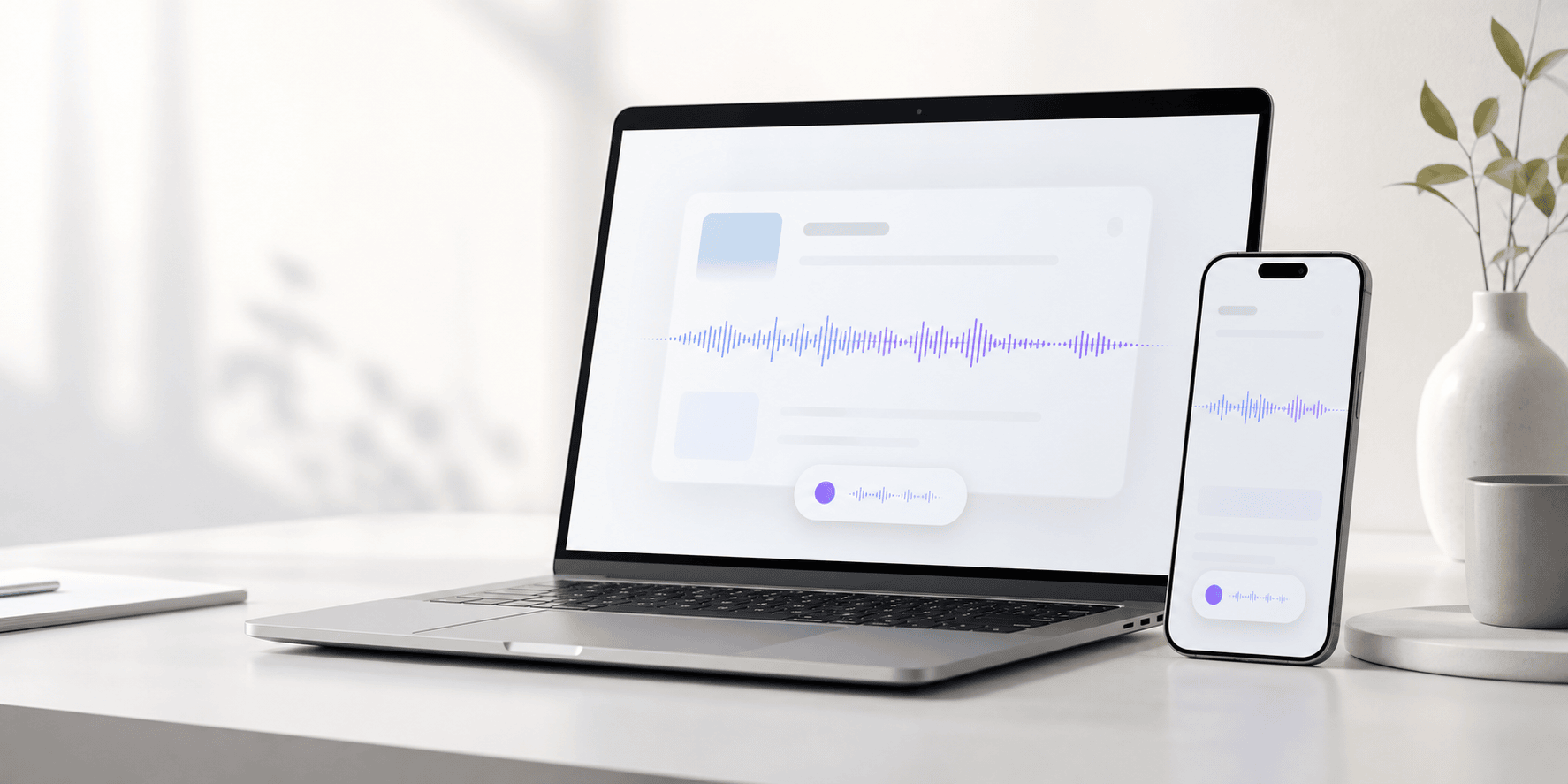
TalkDo local voice dictation shown on a Mac, with iPhone support planned

TalkDo for Mac - local-first

TalkDo turns speech into finished work.

Hold one shortcut in the Mac app you are already using, speak naturally, and get clean local dictation without sending your voice to a server.

The feeling

You say the messy version. TalkDo types the useful one.

It recognizes speech locally, removes fillers and false starts, protects code terms, and inserts clean text safely where you are typing.

You say

okay so can you like review AppState dot swift and uh only fix the recording race, and yeah make sure you do not change the public API

TalkDo types

Review AppState.swift and only fix the recording race. Do not change the public API.

Where it works

Mac first. Mobile next.

The product available now is TalkDo for Mac. iPhone and iPad are a planned second release and are not included in the current Mac product.

Mac computer

  • Current release
  • Global push-to-talk shortcut and private local Hub with daily history, usage, and Raw vs Final review
  • Paste polished text into any focused app
  • Deterministic local cleanup without generative rewriting
  • Terminal, email, documents, MAX, browsers
iPhone

  • Planned, not currently available
  • Fast recording and polished copy are being explored
  • Share Sheet and Shortcuts are being evaluated
  • No mobile purchase is offered yet

iPad

  • Planned, not currently available
  • Long-form notes and drafts are being explored
  • Document sharing is being evaluated
  • No tablet purchase is offered yet

Mac computer use cases

This is the desktop power mode.

On Mac, press a shortcut anywhere, speak, release, and polished text appears inside the currently focused app.

1

Hold

Press Space in any Mac app. A small desktop listening pill appears.

2

Speak

Talk naturally. Live words confirm that TalkDo is listening while local context helps recognize nearby names, filenames, and identifiers.

3

Release

TalkDo cleans the text and pastes it into Mail, Terminal, documents, MAX, or wherever your cursor is.

Terminal and codingDictate shell commands, comments, prompts, file paths, flags, and developer notes. TalkDo uses nearby local terms to improve recognition without retaining the document.
Email and documentsTurn rough speech into client-ready paragraphs, structured notes, and polished replies.
MAX and business toolsFill fields, write updates, and dictate decisions directly into operational apps.
Safe insertionTalkDo verifies the original app and field before insertion and holds text safely when the destination changes.
AI application promptsSpeak the complete request into Codex, Claude, ChatGPT, or MAX; TalkDo cleans the dictation without interpreting or answering it.
Personal wordsAdd names and technical terms with heard-as variants to improve recognition without opaque automatic learning.

The system

One workflow, made dependable.

TalkDo deliberately avoids extra modules and processing choices around the daily dictation path.

ListenOne hold-to-talk lifecycle with physical release checks.
RecognizeWhisperKit runs locally with personal vocabulary.
CleanDeterministic filler, correction, punctuation, and list rules.
InsertVerified destination, clipboard fallback, and Recovery.

Product roadmap

iPhone and iPad come after the Mac release.

Mobile work is deliberately parked while the Mac dictate, clean, and insert loop is hardened. The ideas below describe direction, not currently available features.

Phone capturePlanned: record a thought, message, or note, then polish, copy, or share it.
iPad draftingPlanned: longer meeting notes, document drafts, planning, and review workflows.
Mobile insertionUnder evaluation: copy/share, Shortcuts, and an iOS keyboard bridge.
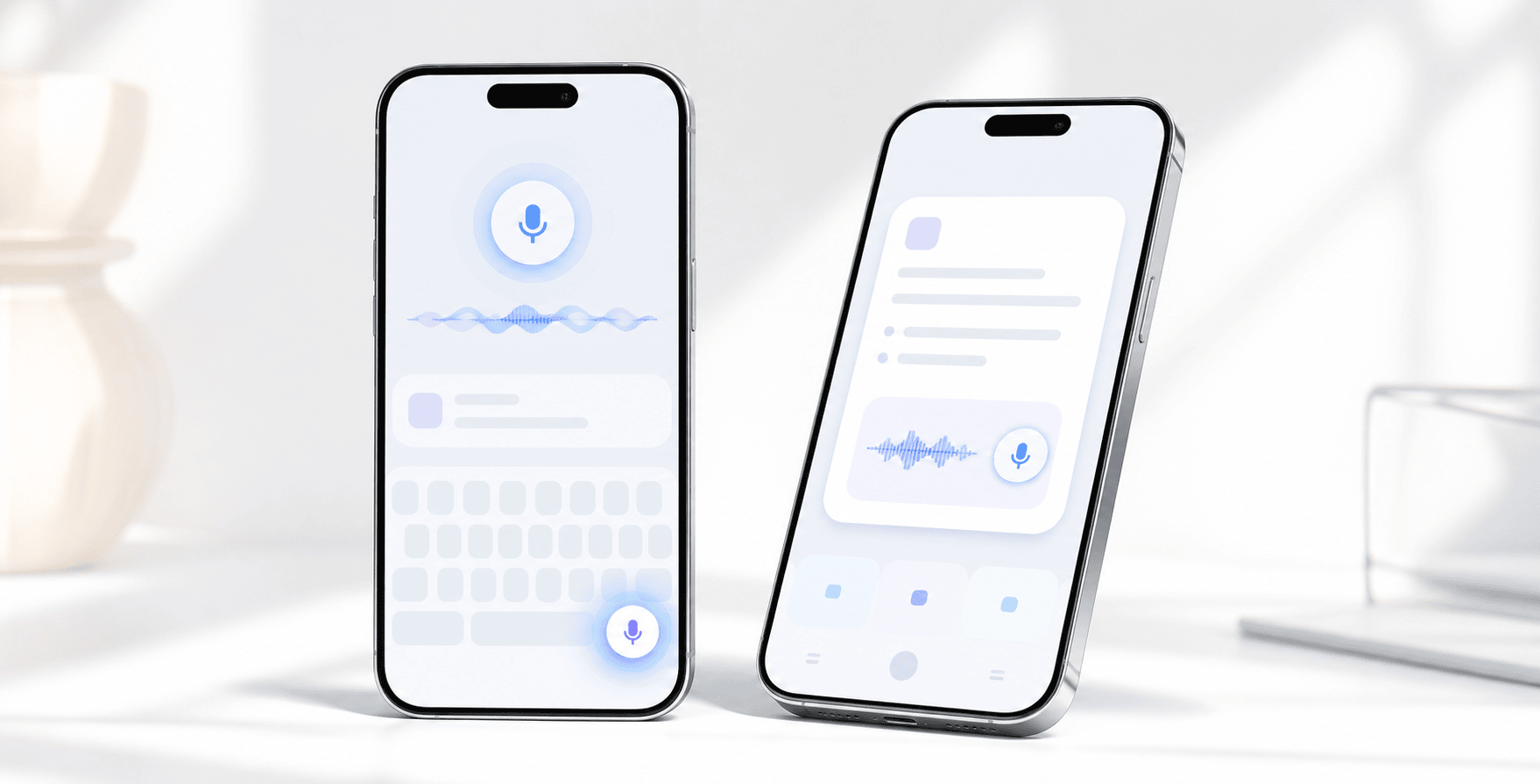
Two lightweight mobile devices showing a TalkDo voice workflow for iPhone and iPad use

Mac controls

Two controls for the focused workflow.

Dictation and paste-last can be changed in TalkDo Settings.

ControlActionStandard settingCustom setting
VoiceDictate anywhereSpaceUser editable
RecoveryPaste last transcriptVUser editable

Trust

Private by architecture, not just by promise.

One workflow asks only for the permissions needed to hear speech and insert text.

Local-first

Audio, recognition, and deterministic Clean Dictation stay on your Mac. The production build contains no cloud processor.

Visible listening

The Mac recording pill shows live partial words and input level. Place it at any top or bottom Left, Center, or Right anchor directly from the menu; the choice persists. TalkDo warns at 19 minutes, completes safely at 20, and always exposes a stop control.

Minimal permissions

Microphone hears explicit dictation, optional Speech Recognition provides live words, and Accessibility inserts the result.

Reference

The guide is still here. It just no longer has to be the first impression.

Open the details when you need exact spoken commands, privacy information, or troubleshooting.

Spoken commands
SayGet
period, comma, question mark, colon. , ? :
new line / next line / line breakLine break
new paragraph / skip a line / start a new paragraphParagraph break
copyright symbol / degree symbol / degrees Celsius or F© / ° / °C or °F
bullet point apples bullet point bananas- Apples and - Bananas
scratch thatDeletes the previous clause where safe
developer mode: dash dash force, underscore, dot swift--force _ .swift
Engines and languages

WhisperKit downloads the recommended local model once and then runs offline. TalkDo combines personal dictionary terms, app-aware vocabulary, and a bounded local excerpt near the cursor for recognition only; source text is not retained. Search intended spellings or heard-as variants locally, then star critical terms to place them first in the recognition vocabulary. TalkDo follows macOS System Default for microphone routing.

Processing and corrections

Local Clean Dictation is the only production path. Deterministic cleanup removes fillers and repetition, handles spoken formatting and corrections, and preserves the request for the destination app. Changed History rows open a local Raw vs Final comparison with separate copy actions; raw recognition is not described as human-verified audio.

Permissions
FunctionPermission
DictationMicrophone; Accessibility for paste; optional on-device Speech Recognition for live words
Troubleshooting
SymptomFix
Dictation inserts nothingCheck Microphone permission in Settings - Permissions.
Text lands on clipboard onlyGrant Accessibility in macOS Privacy and Security.
Shortcut does not fireAnother app owns it. Pick a custom shortcut in Settings - Shortcuts.
Listening receives no audioTalkDo stops after three seconds. Check macOS System Default input and try again.
Need to verify the whole pathRun Setup Check from Settings. It requires real hotkey dictation; typed text cannot pass.